
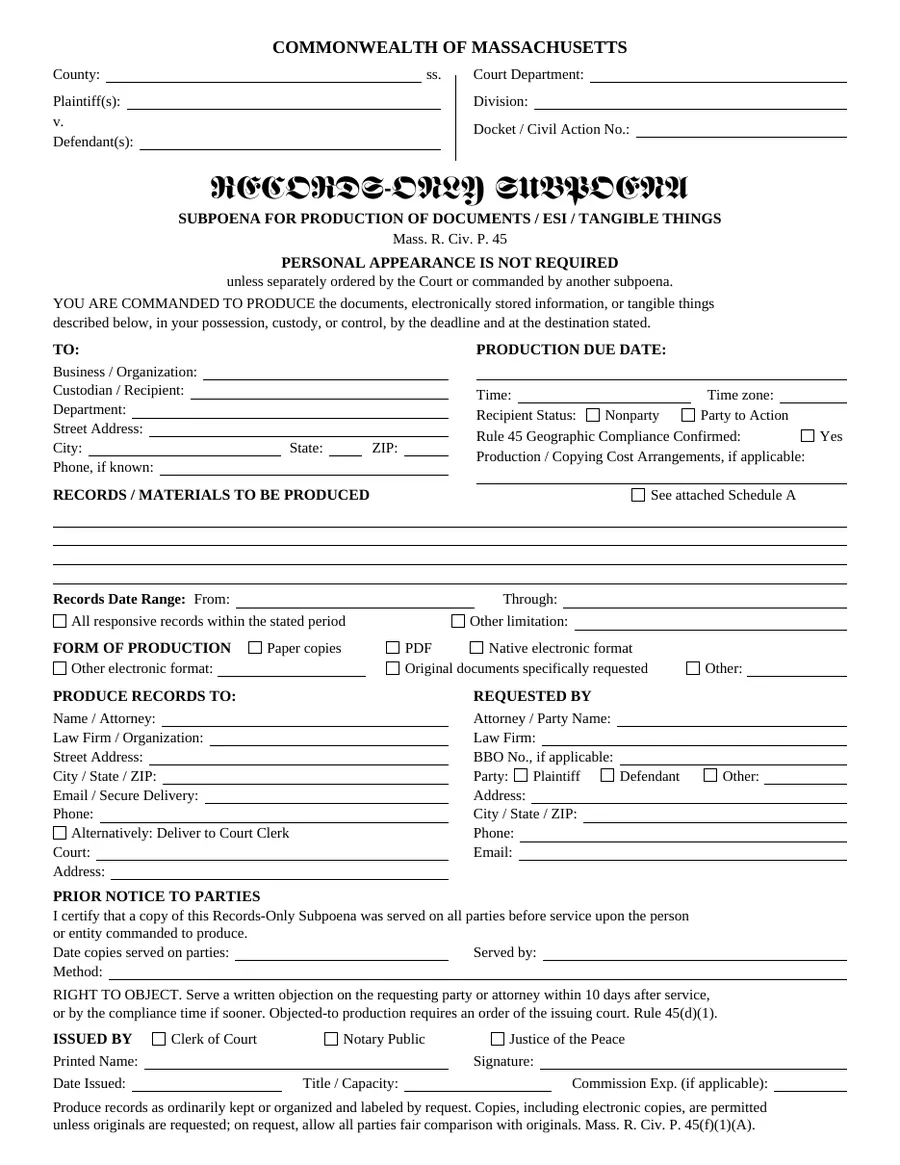
Massachusetts Records-Only Subpoena
Commands production of documents, ESI or tangible things in a Massachusetts civil action without personal appearance (Mass. R. Civ. P. 45).
Forms and secure submission
Browse templates and official forms, read the instructions, fill supported forms in your browser, then download them or send them to us securely.

Civil Constable doesn’t choose which form you need. Templates prepared by Civil Constable are not official court forms; review them with your attorney. Official forms are marked with their source.
12 of 12 documents
Commands production of documents, ESI or tangible things in a Massachusetts civil action without personal appearance (Mass. R. Civ. P. 45).
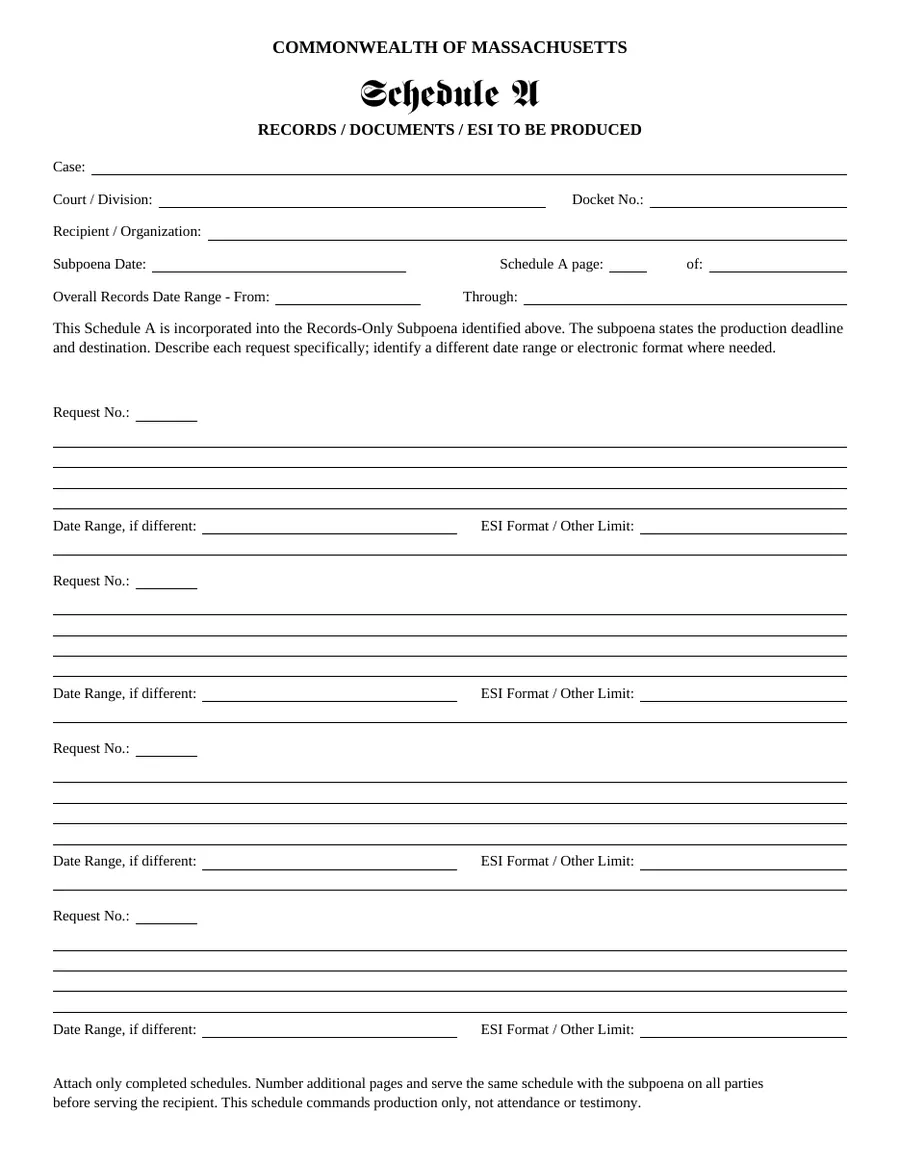
Attachment to the records-only subpoena listing each records request, date range and ESI format.
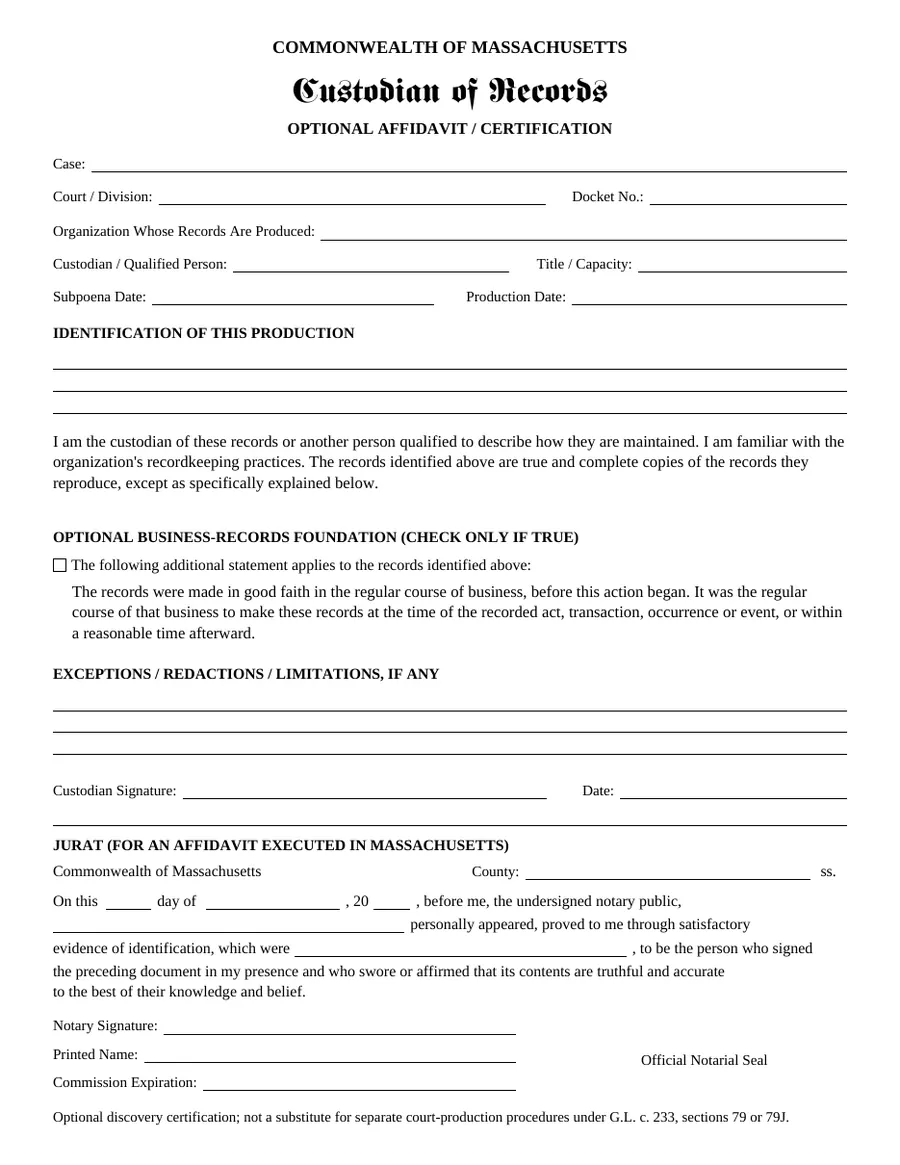
Optional custodian certification identifying a records production, with an optional business-records statement and a Massachusetts jurat.
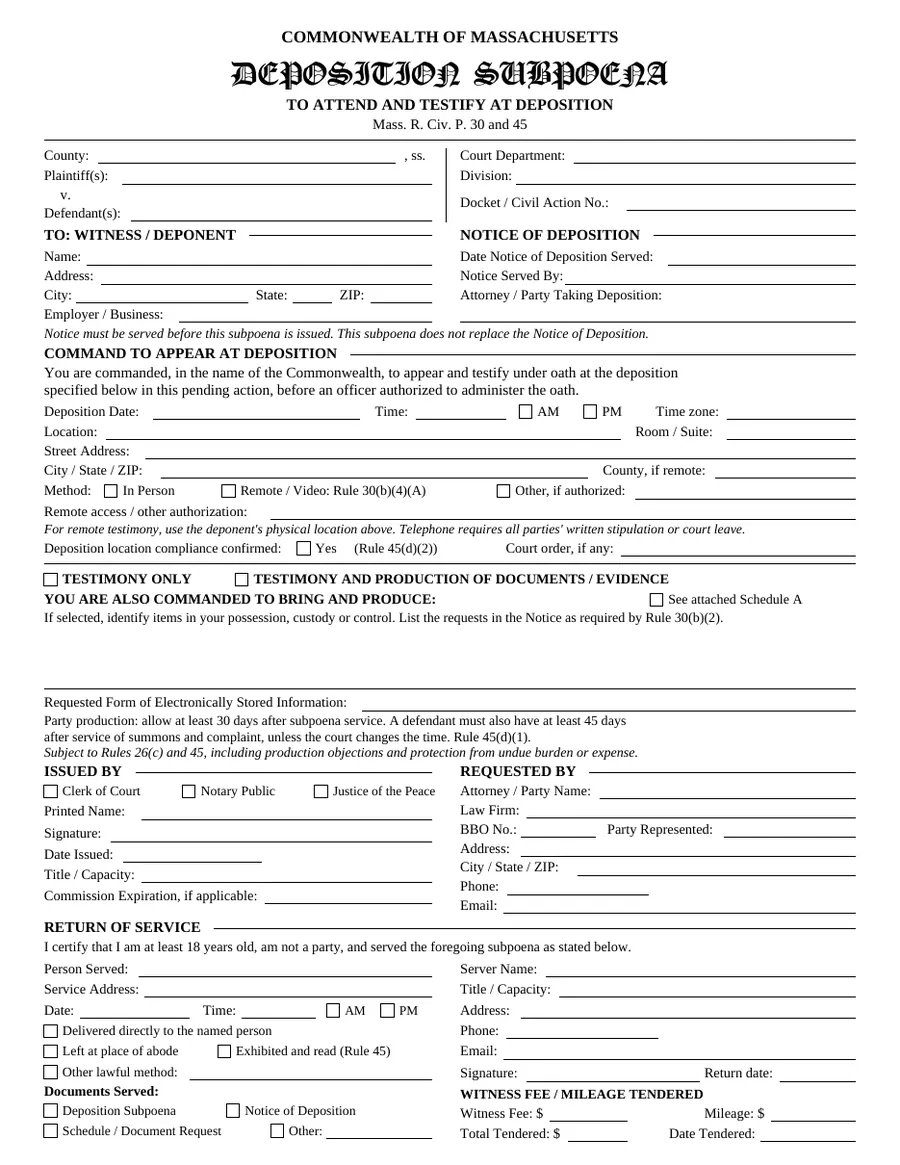
Commands a witness to attend and testify at a deposition, with optional production (Mass. R. Civ. P. 30 and 45). Includes a return-of-service section.
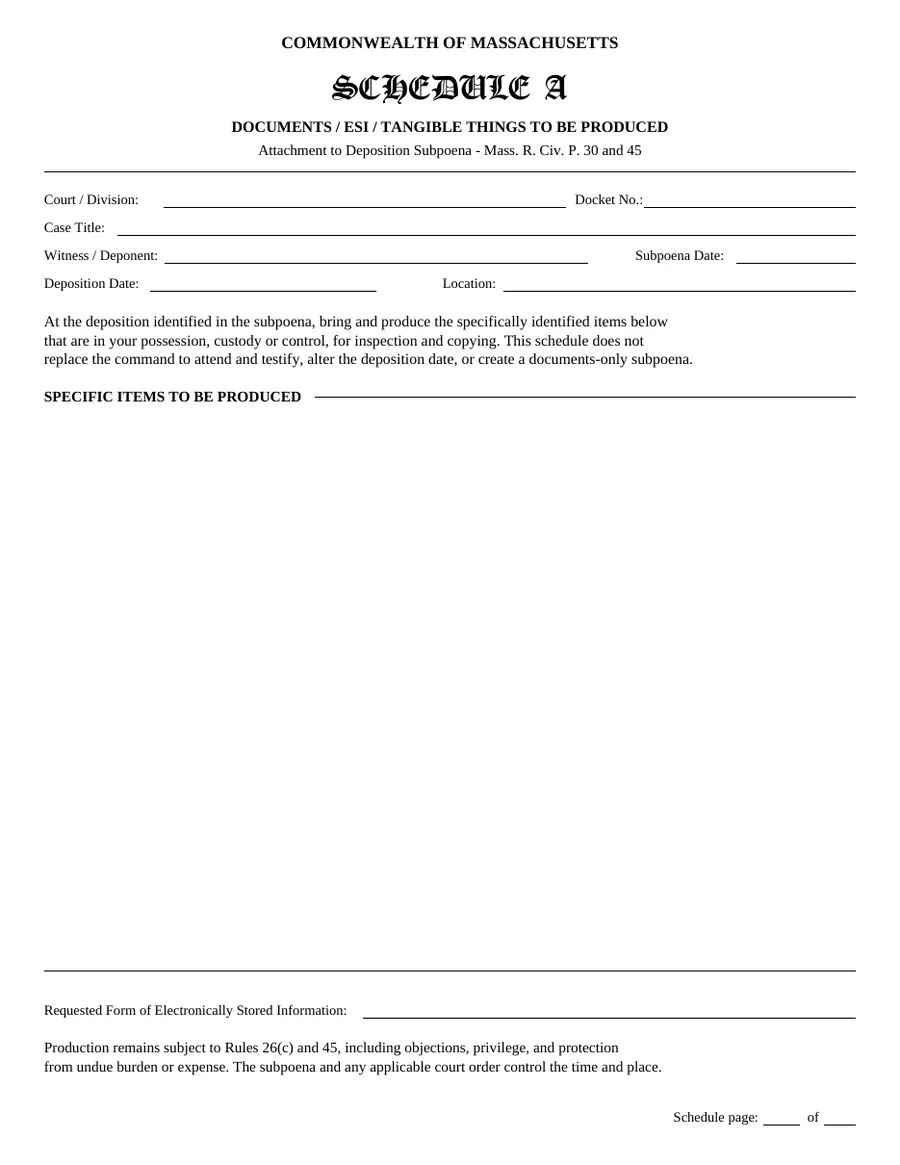
Attachment listing documents or evidence a deponent is commanded to bring and produce.
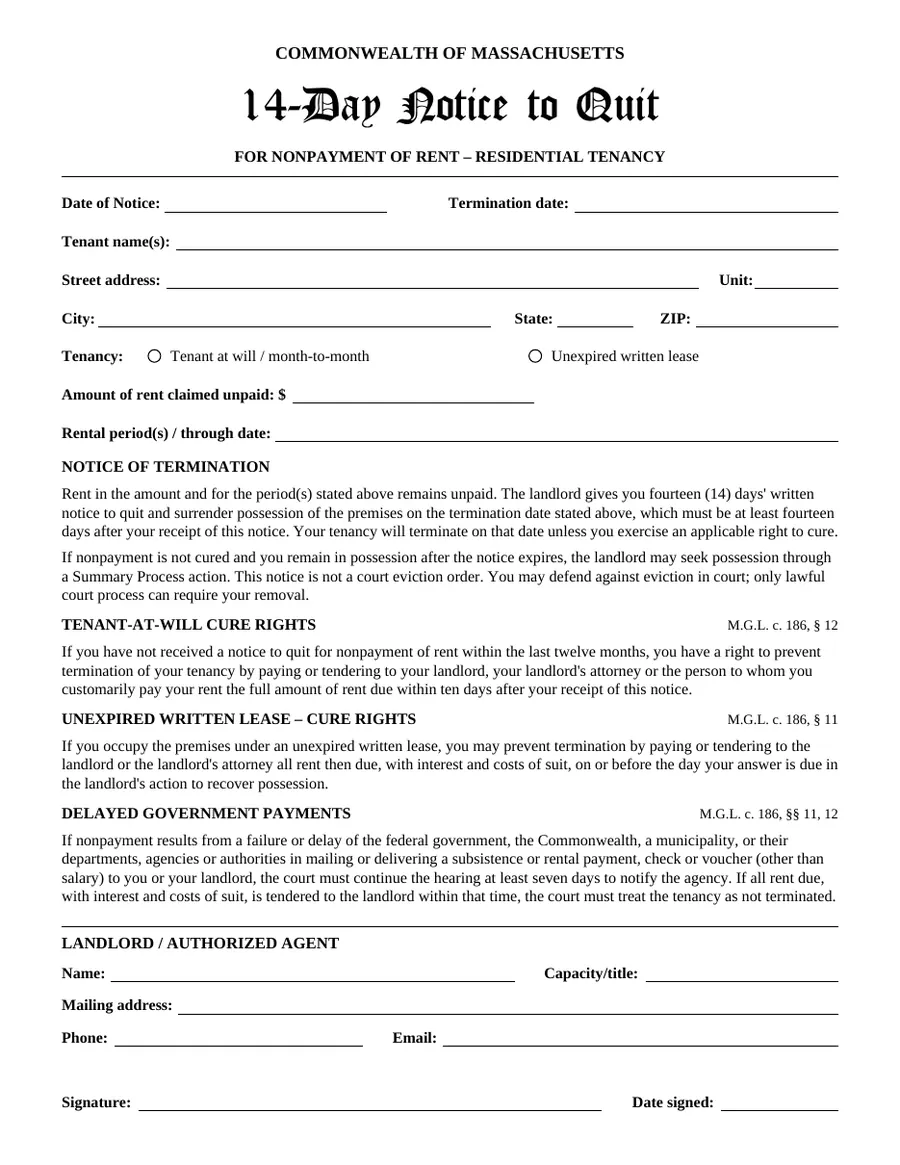
Residential notice to quit for nonpayment of rent, with statutory cure-rights language referencing G.L. c. 186, §§ 11 and 12.
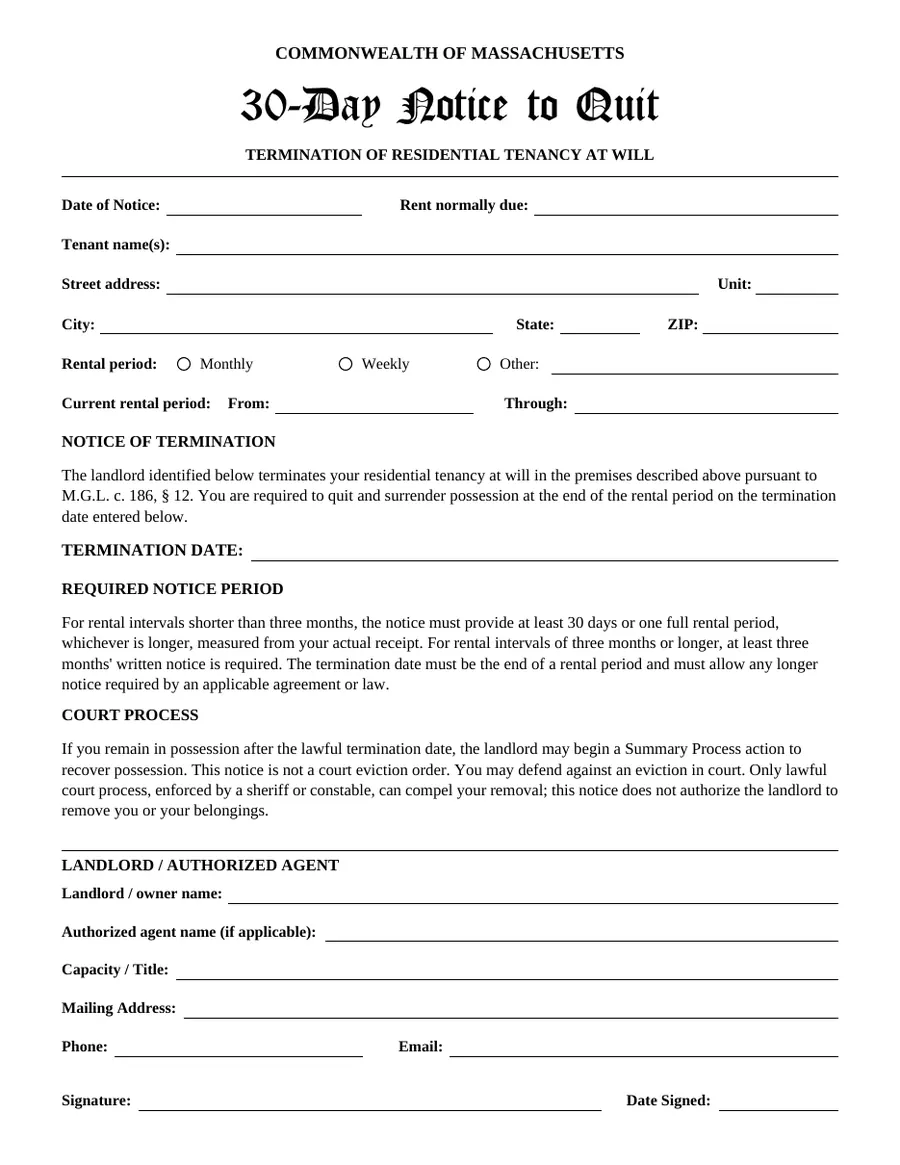
Residential notice terminating a tenancy at will, referencing the notice periods in G.L. c. 186, § 12.
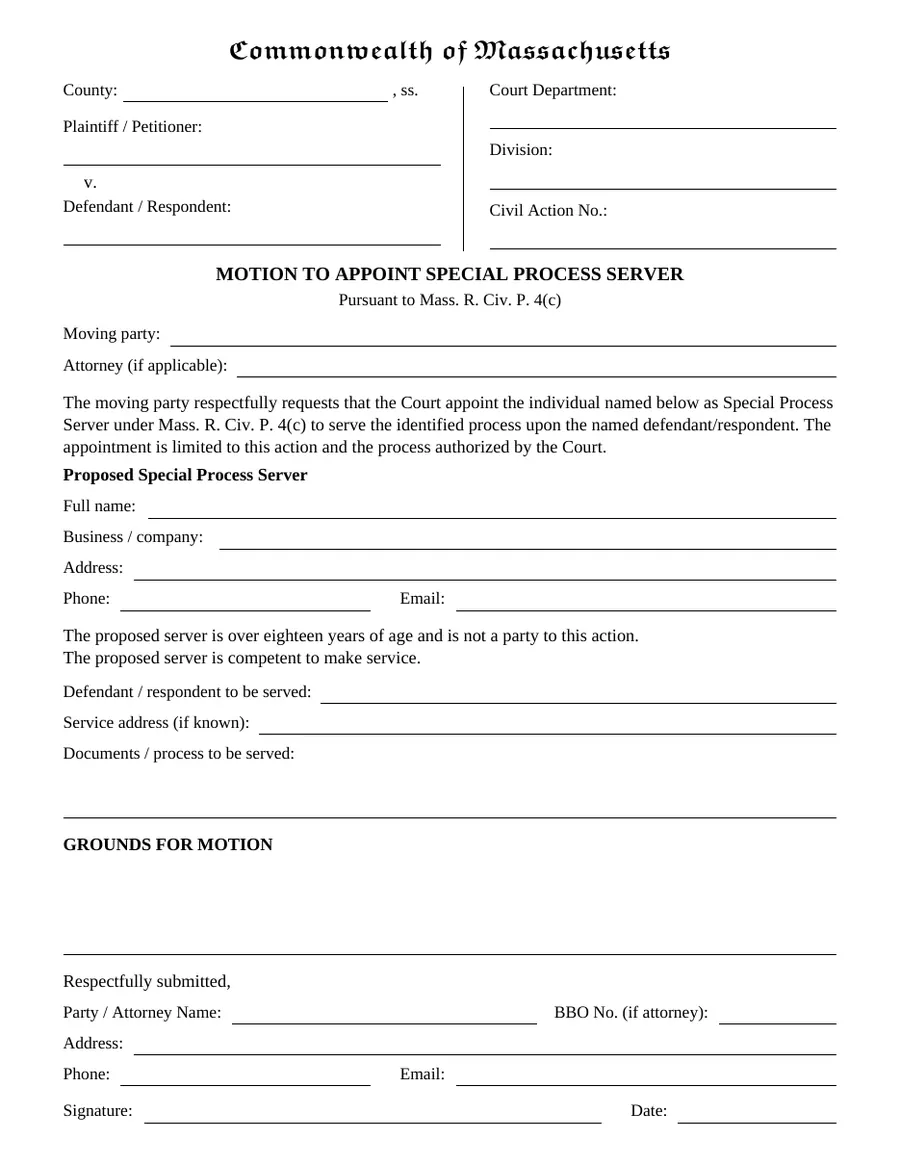
Motion asking the court to appoint a named individual as special process server under Mass. R. Civ. P. 4(c).
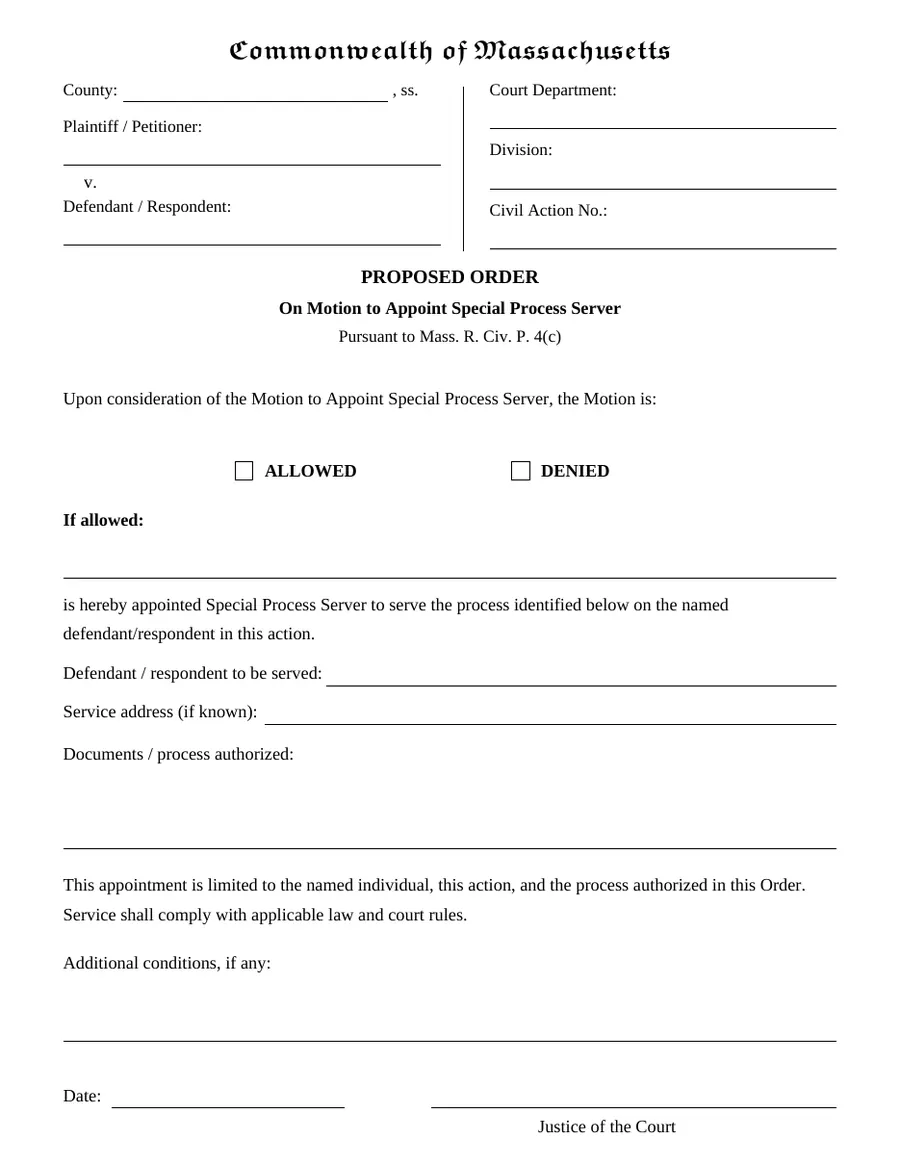
Proposed order to accompany the motion. The court completes the ruling and signature.
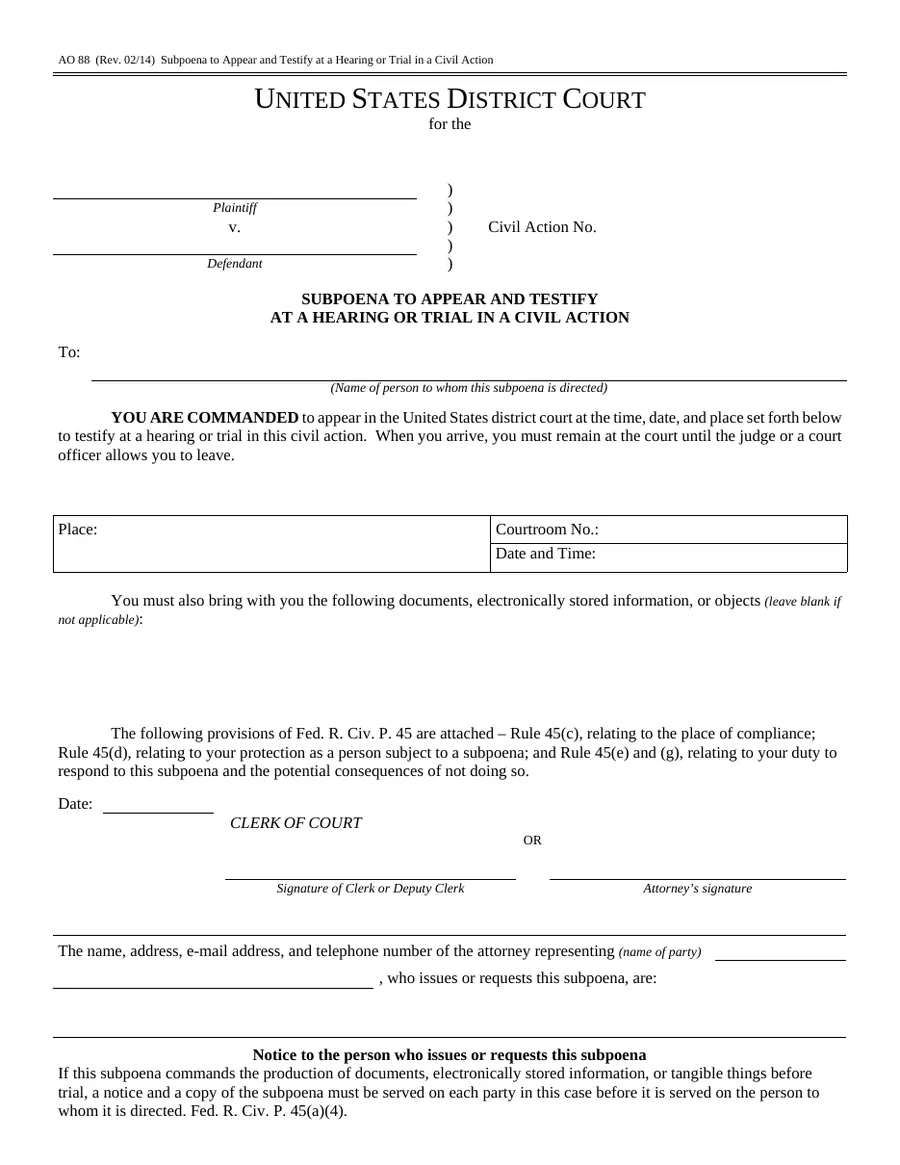
Official federal form for a subpoena to testify at a hearing or trial in a U.S. District Court civil action.
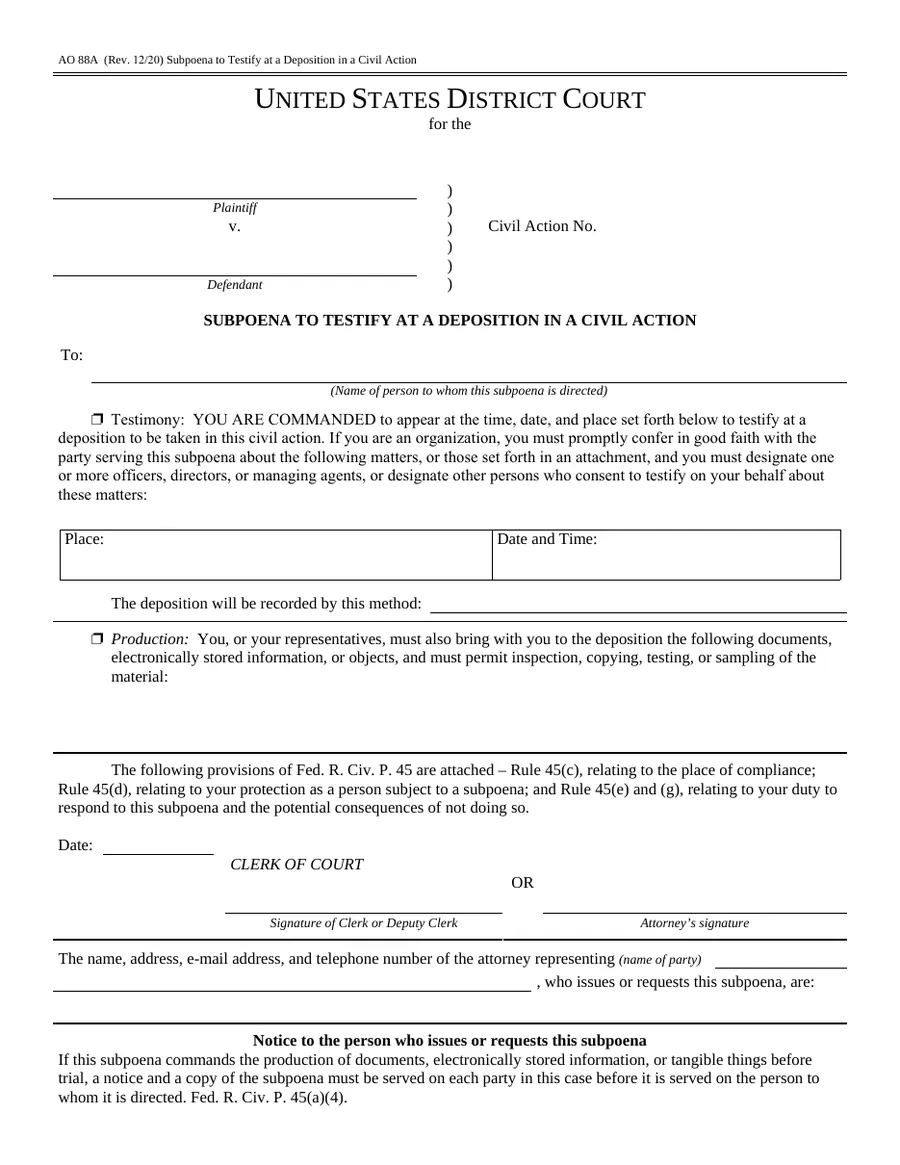
Official federal form for a subpoena to testify at a deposition, with optional production.
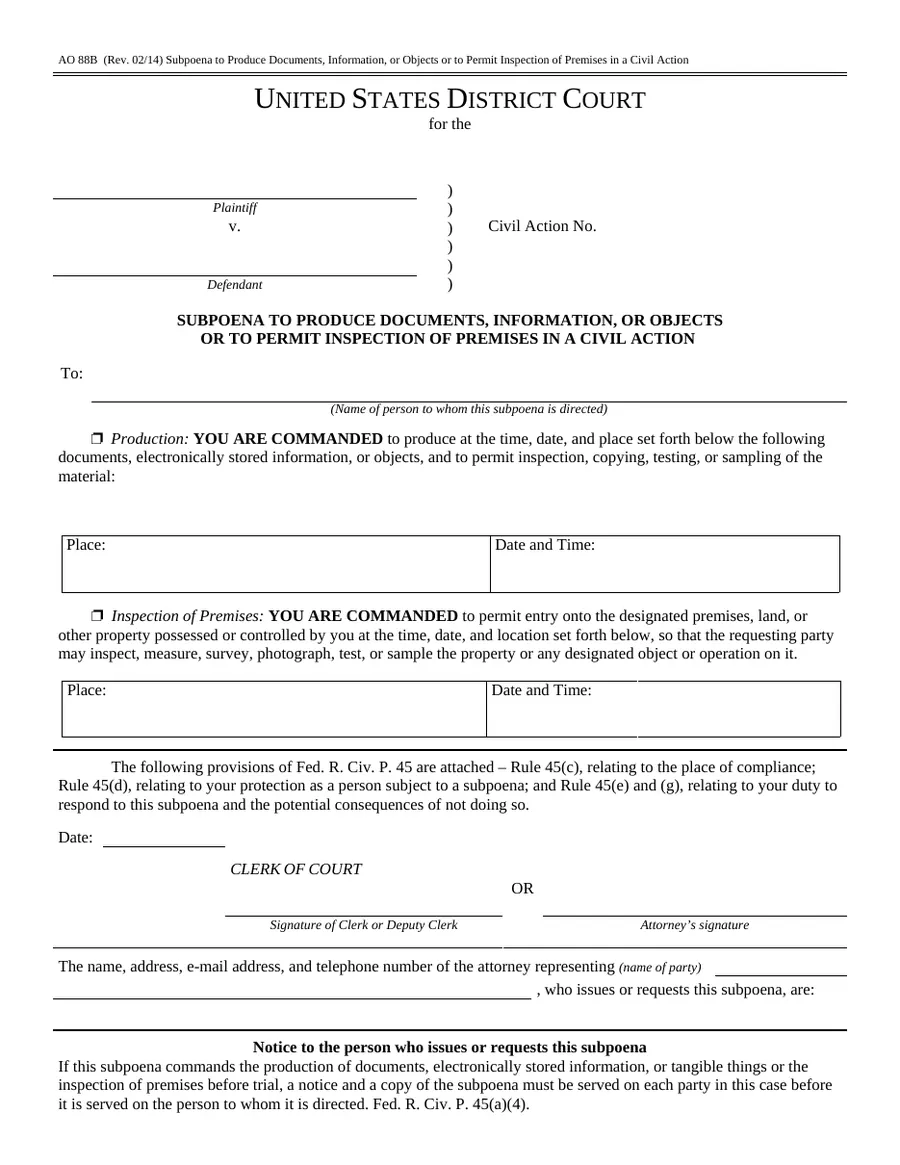
Official federal form for a subpoena to produce documents or permit inspection of premises.
No documents match. Try a different word, or ask us.
How the Document Center works
Read the description, source, version and instructions.
Enter information in a simple web form. Your entries stay in your browser.
Sign on screen where the form allows it. Otherwise print, sign by hand and upload a photo or scan.
Download the completed PDF. It keeps the original form’s layout.
Send it to us in one tap. You and our office are both emailed immediately, with a reference number.